Cold Phones, Dead Signals: A Winter Battery Survival Checklist
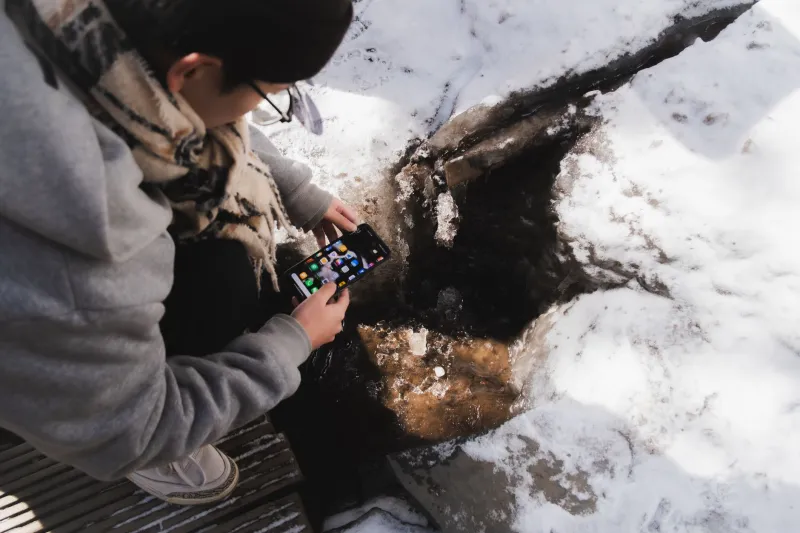
Your phone is the weakest link in a winter emergency kit for a boring reason: it is a battery with a screen. In mild weather, that is fine. In a storm, a power outage, or a cold drive across the Plains, the same device that holds your maps, alerts, and emergency contacts can become a black rectangle at the worst possible moment.
The good news is that cold-weather phone failure is often temporary, and the fixes are mostly about physics and habits. The bad news is that some popular tricks make things worse. Here is a practical, evidence-based checklist for keeping the signal alive.
Why cold kills the battery bar
Lithium-ion batteries do not lose their charge just because the air is cold. What changes is internal resistance. Cold slows the chemical reactions inside the cell, so the battery struggles to deliver voltage under load. Your phone may read 30 percent, then shut down when the screen wakes up or the radio tries to connect. Warm the phone back up and that same charge often reappears.
That is why a cold phone can seem to die early and then recover indoors. It is also why you should not panic-charge a freezing phone. Charging a lithium-ion battery below freezing can cause lithium plating, which is a real damage mechanism. Let the phone warm to room temperature before you plug it in.
The condensation trap
Here is the counterintuitive part: warming a cold phone too fast can be worse than leaving it cold for a few more minutes.
When you bring a cold phone into a warm, humid room, moisture can condense on and inside the device. If you put it on a heater, a dashboard vent, or a radiator, you speed up the process and push that moisture into places it should not be. The same goes for sealing a cold phone in a bag with a hand warmer and letting it cook.
A better move is to let the phone acclimate gradually inside a sealed bag or a pocket. If it has been outside in serious cold, give it time before charging or powering it on. Condensation damage is less common than cold shutdowns, but it is the kind of problem that turns a temporary inconvenience into a dead device.
Field tricks that actually work
-
Keep the phone in an inner pocket. Body heat is free, reliable, and gentle. A chest pocket or inside jacket pocket is better than a backpack or a car cupholder.
-
Use airplane mode when you do not need signal. Searching for a weak tower drains the battery fast, especially in rural winter travel. If you are stopped and safe, switch to airplane mode, then check for messages at intervals.
-
Lower the screen brightness and shorten the timeout. The display is a major power draw. A dim screen for 30 seconds is better than a bright screen for two minutes.
-
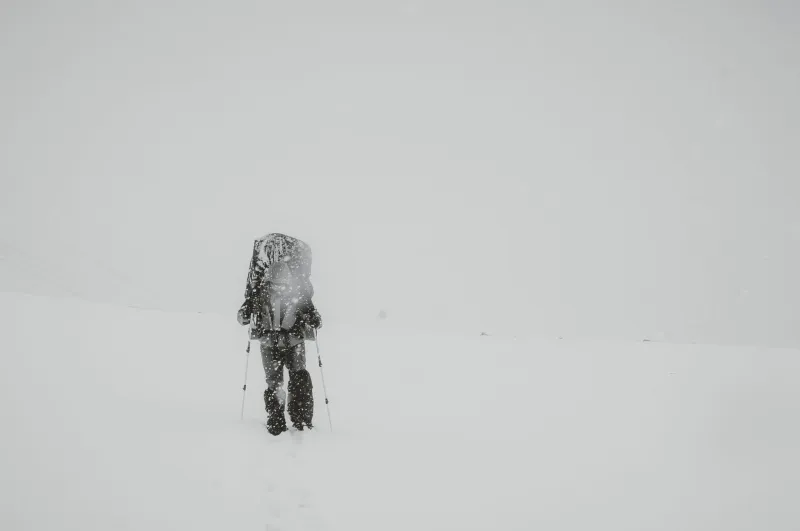
Download offline maps before the storm. Navigation is one of the highest-value phone functions in a whiteout. Do not rely on a live connection in a dead zone.
-
Keep the power bank warm. A cold power bank has the same chemistry problem as a cold phone. Carry it in an inner pocket, not in the trunk or an outside pouch.
-
Charge before you leave, and charge completely. A full battery has more margin when voltage sags in the cold.
-
Use a car charger only when the engine is running. Do not drain the vehicle battery to top off a phone during a roadside stop.
-
Avoid direct heat. A hand warmer can help, but keep it on low and do not press it against the phone. Gentle warmth is the goal, not a hot spot.
What not to do
Skip the rice. Skip the dashboard defroster blast. Skip the idea that you should charge a frozen phone quickly so it does not die. And do not assume a phone that shut down at 25 percent is permanently broken. Warm it gradually, let it stabilize, and then check the battery level again.
Also be careful with the old trick of putting a phone in a plastic bag with a chemical hand warmer. It can work in a pinch, but it can also create a warm, humid microclimate. If you use a warmer, keep it separated from the phone and monitor it.
A compact winter checklist
Before a storm or a winter road trip:
- Charge your phone and every power bank to 100 percent.
- Download offline maps for your route and your destination.
- Screenshot your route, reservation details, and emergency contacts.
- Pack a charging cable and a 12-volt adapter that you know works.
- Write key phone numbers on paper. Yes, paper.
- Set up emergency contacts and location sharing with someone you trust.
- Keep the phone and power bank in an inner pocket when you are outside.
- Carry a small dry bag or zip-top bag for acclimation.
- For home outages, keep phones away from cold windows and charge them before the storm arrives.
During the storm:
- Use airplane mode and low-power mode when you do not need to communicate.
- Send texts instead of making calls when the network is congested.
- Keep navigation sessions short and use offline maps.
- Do not stream video or run heavy apps just to pass the time.
- Warm the phone gradually before charging it.
The point is not to baby your phone. The point is to keep the tools that matter, navigation, alerts, and communication, from quitting in the cold. A little battery discipline goes a long way when the road goes white and the power goes out.